Automatic Creation of Quality Control Documents
This option allows automatic creation of Quality Control documents based on predefined conditions.
Prerequisites
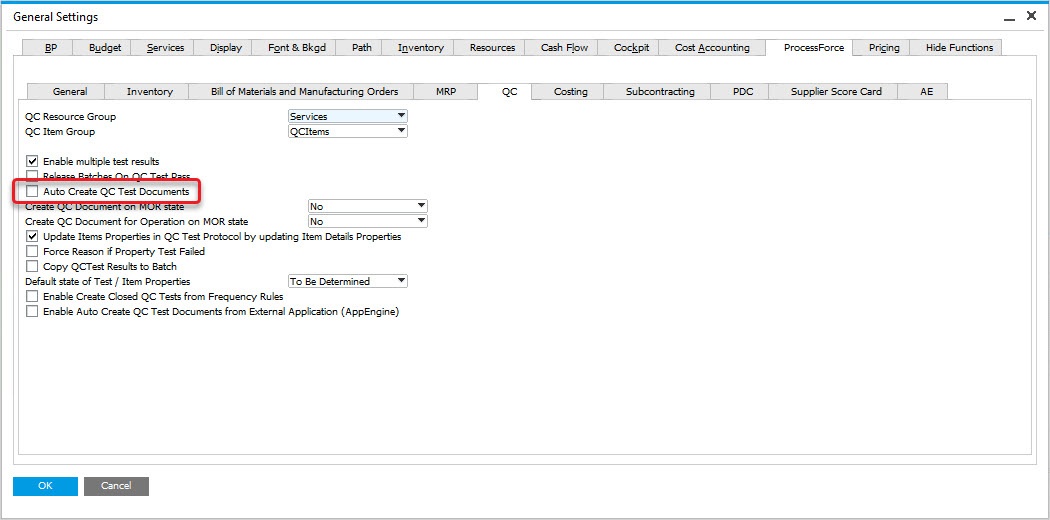
Check the related checkbox in General Settings:
Administration → System Initialization → General Settings → ProcessForce tab → QC tab → Auto Create QC Test Documents checkbox
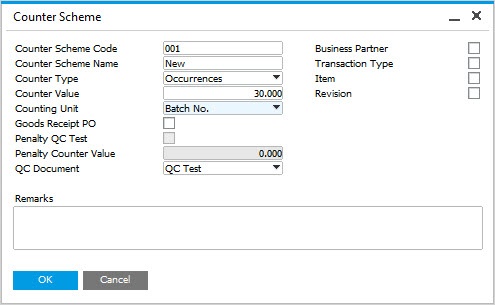
Create a Counter Scheme:
Administration → Setup → Quality Control → Counter Schemes
Usage Example
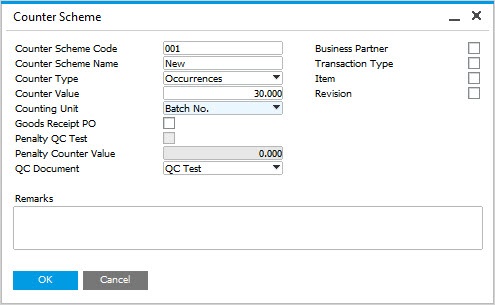
The Counter Scheme has a Name and a Code defined. It is set to create a Quality Control document every 30 Batches:
Then, in Test Protocol, Frequency tab you can choose this scheme (1), set it to be active (2) and save the changes (3):
Quality Control → Test Protocol
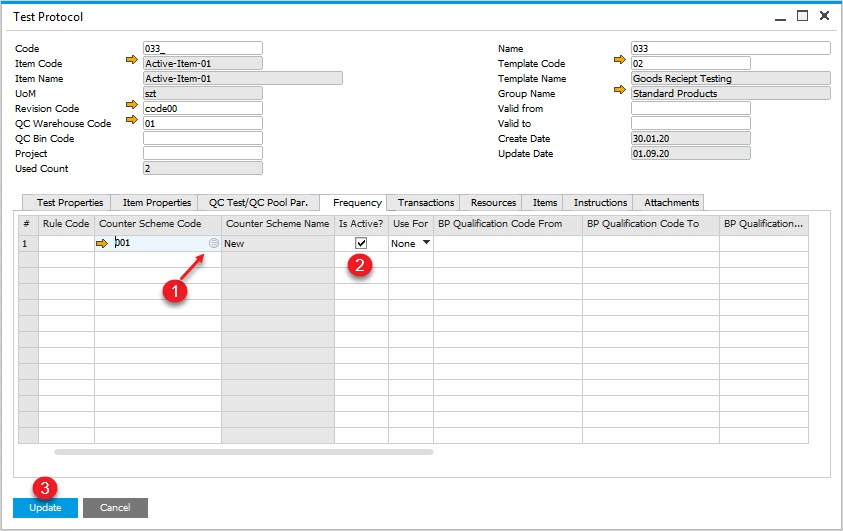
In QC Test/QC Pool Pr. tab you can decide about auto create Test using defined frequency:

You can defined transaction/s from which Quality Control Test documents will be created:

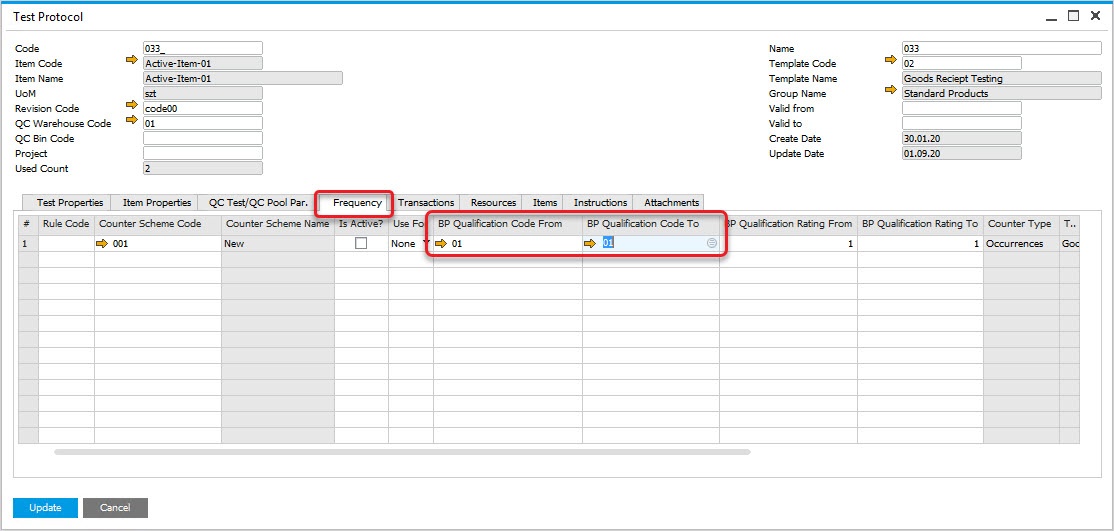
You can also create a Quality Control Test per Business Partner:
First, you have to define a BP QC Qualifications:
Quality Control → Test Protocol
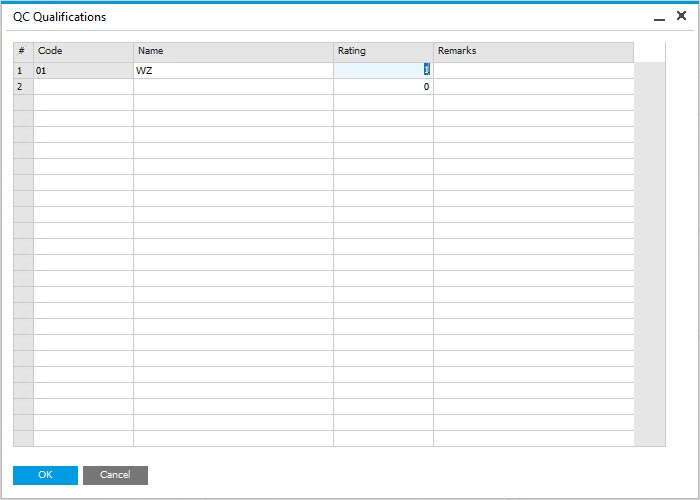
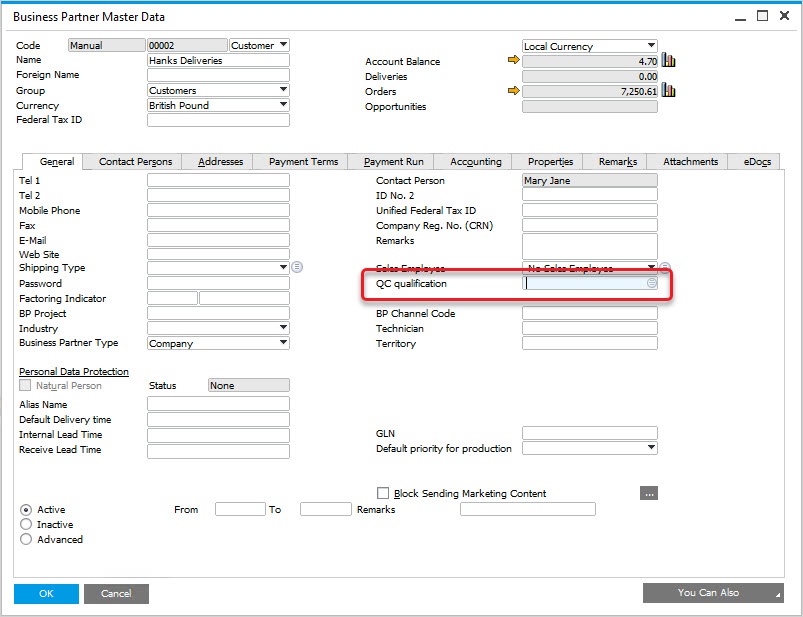
Then, link it to a Business Partner:
Administration → Setup → Quality Control → BP QC Qualifications
Then you can link it to test protocol