Batch Status
Batch Record Colors
Within Pick Order, the Batch records are displayed in different colors to provide their status information:
- Red – Expiry date has passed.
- Blue – Warning Expiry Date has passed.
- Black – both the Expiry date and Warning Date have not been reached.
- Grey – Locked and Non Accessible Batch set to DISPLAY based on configuration settings; Batch records are displayed but cannot be picked.
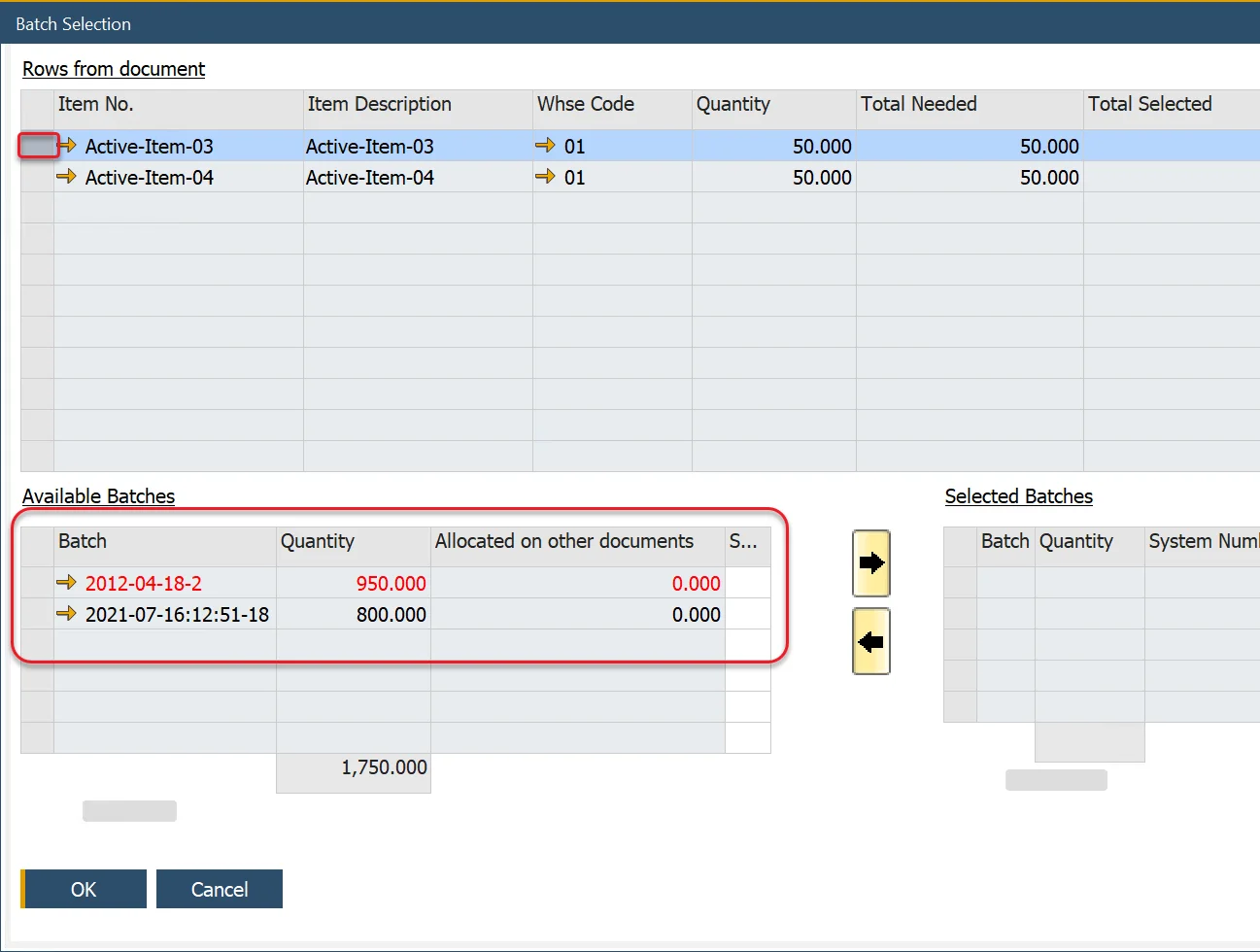
SAP Business One Documents
The Batch color rules (apart from Grey) have been implemented within Delivery, Goods Return, Inventory Transfer, and Goods Issue documents.